What if you could design Citrus integration tests by dragging and dropping components on a visual canvas — no boilerplate, no guesswork, no steep learning curve? With Kaoto 2.11 this is now a reality for Citrus.


Kaoto is an open source visual designer for Apache Camel integrations, and starting with version 2.11 it ships with comprehensive Citrus framework support. This means you can write and execute Citrus tests in a fully visual, low-code environment — right inside VS Code.
Why this matters
Citrus is powerful, but getting started has always required some familiarity with the framework’s Java or YAML DSL, its endpoint model, and its rich library of test actions. That learning curve is exactly what Kaoto eliminates.
Kaoto is aware of the complete Citrus component catalog: every test action, every endpoint type, every function and validation matcher. It uses the individual property schemas of each component to provide guided forms, auto-completion, and contextual help. You pick what you need, fill in the blanks, and Kaoto takes care of the rest.
Visual test design in action
Once you open a Citrus test file in Kaoto, each test action appears as a visual step on the canvas with dedicated icons that make it easy to distinguish between different actions at a glance.

You build your test scenario step by step — start infrastructure (e.g. kafka container), add a send action, configure a receive with expected message content, throw in an echo or sleep — all by selecting from the component catalog and filling in property forms.
Full endpoint catalog
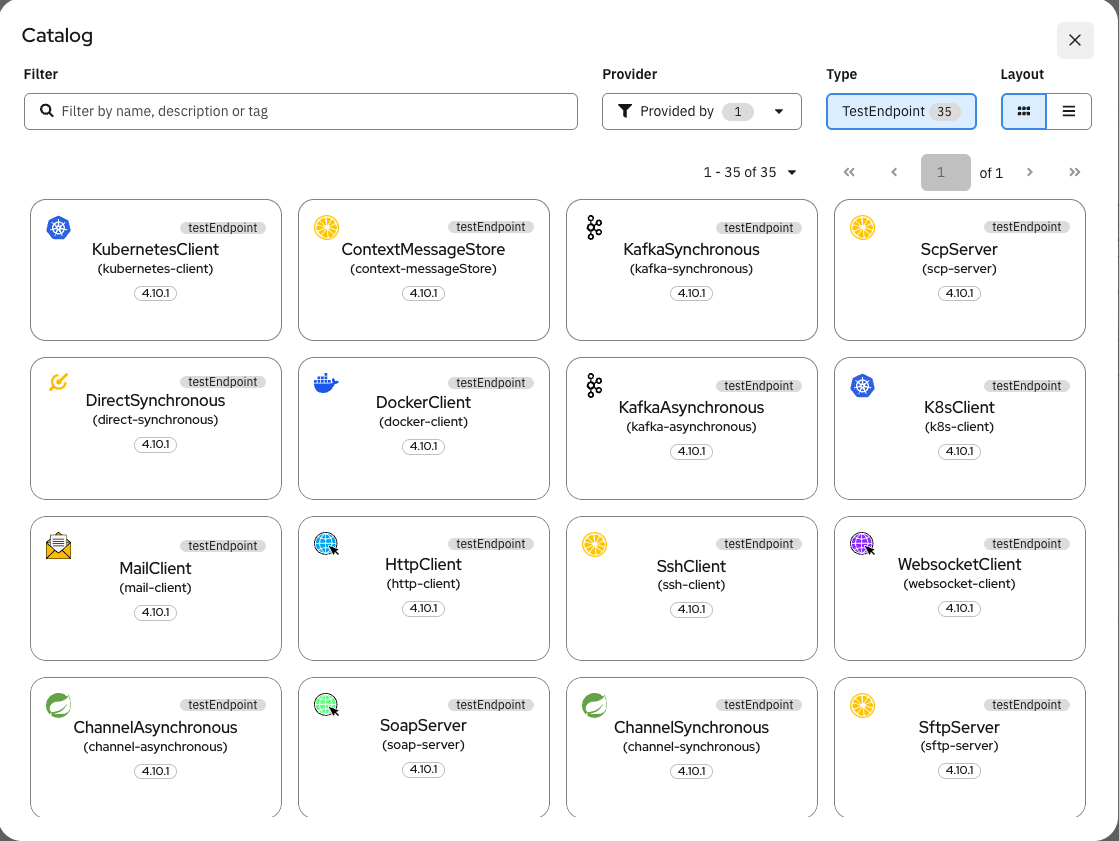
Kaoto knows about all 35+ Citrus test endpoints out of the box: HTTP clients and servers, Kafka, JMS, FTP, SOAP, Mail, SSH, Kubernetes and many more. Each endpoint type comes with its own structured configuration form, so you always know exactly which properties are available.
Guided property forms
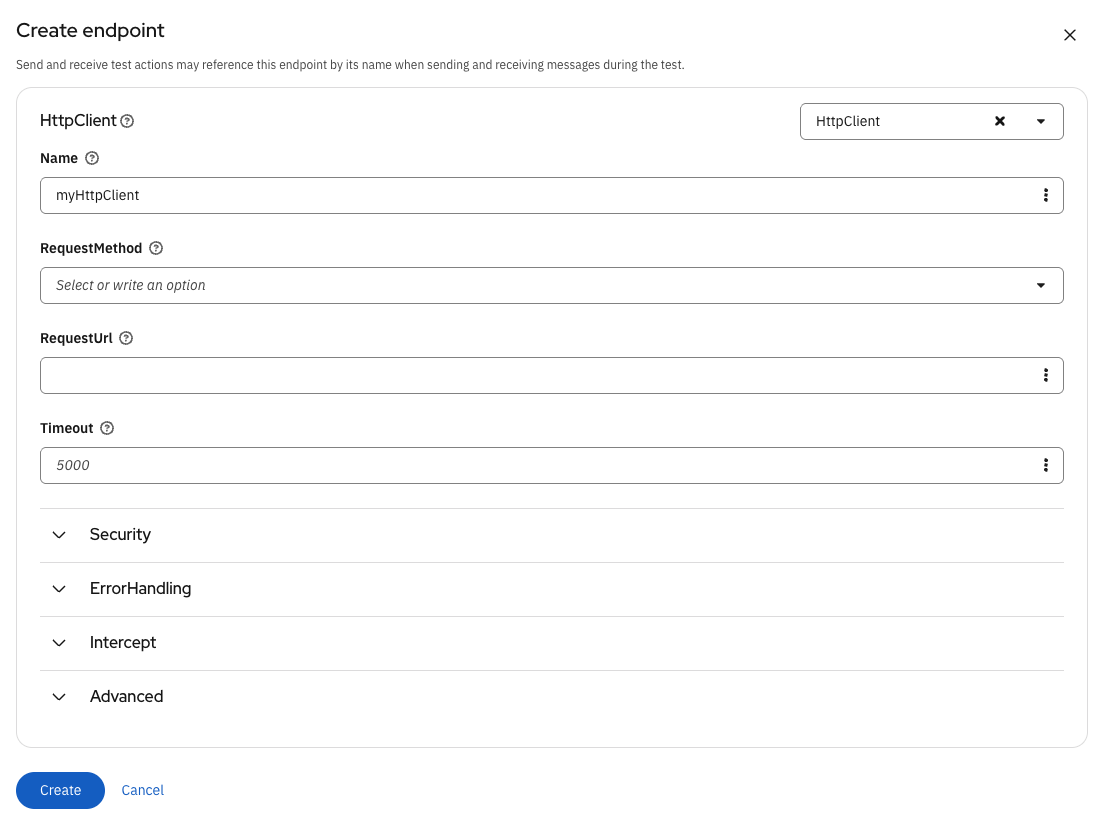
No more scanning through documentation to find the right property name or value format. Kaoto renders a tailored form for each component, with proper input types, dropdowns, and contextual help.
Works in VS Code
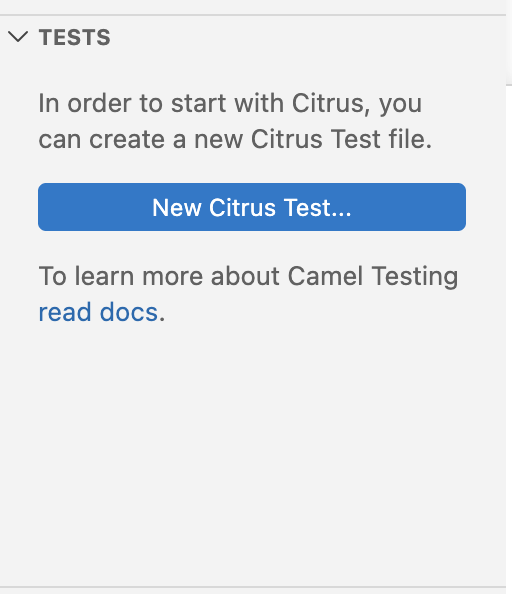
Kaoto is available as a VS Code extension, which means you can design and execute Citrus tests without ever leaving your IDE. Create a new Citrus test file, open it with Kaoto, and start building your test scenario visually.
You can run your tests directly from the Kaoto interface to validate your integration behavior during development — keeping the feedback loop as short as possible.
YAML DSL — and more to come
The Citrus tests created through Kaoto use the YAML DSL exclusively at the moment. Kaoto serializes everything to the standard Citrus YAML format, so the tests you build visually are fully portable and compatible with the broader Citrus ecosystem. Support for additional DSLs such as XML is planned for future releases.
Give it a try
Want to see it in action right now? You can try Citrus and Kaoto directly in your browser — no installation required — at the Kaoto online playground.
For a full local setup:
- Install the Kaoto VS Code extension
- Create a new Citrus test file (
.citrus.yaml) - Open it with the Kaoto editor and start designing your test
Whether you are new to Citrus and looking for a gentle introduction, or an experienced user who wants to prototype tests faster — Kaoto’s visual approach is a great addition to your toolbox.
We are excited about the collaboration between the Citrus and Kaoto communities and look forward to expanding this integration further. Give it a spin and let us know what you think!